← Back to Apps & Tools Get it free
The lessons, made hands-on.
Money Basics Lab · Needs and Wants
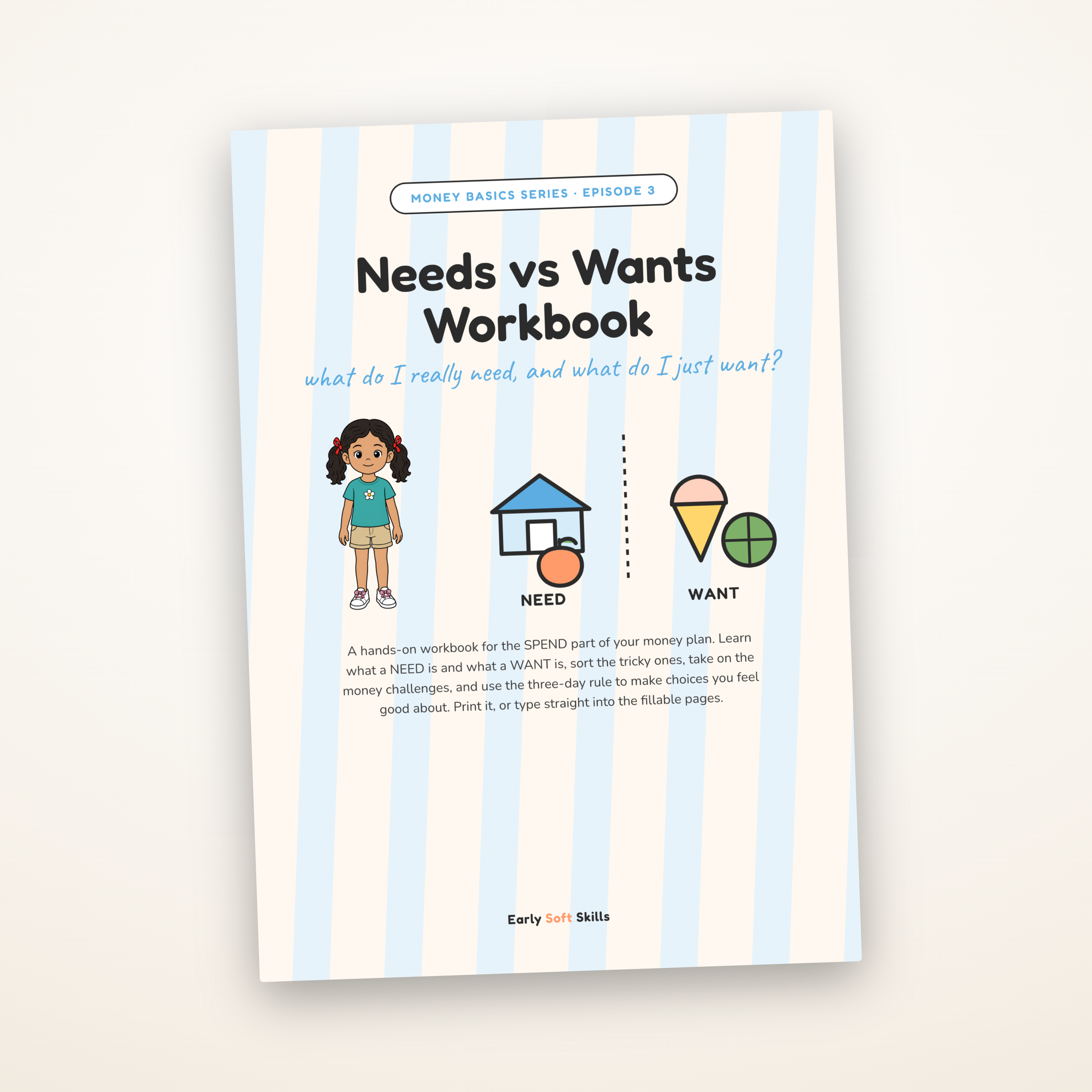
Money Basics: Episode 3
How your app data is stored (please read)
- Money Basics Lab · Needs and Wants is a Progressive Web App. You will not find it in an app store; you install it by opening the link and choosing “Add to Home Screen” in your browser.
- It saves everything (everything you set up in it) only on the one device and browser you set it up on. There is no account, no cloud, and no backup.
- Your saved information stays on the device even after you close the app or restart it, so nothing is lost. A different device or browser, or clearing your browser data or uninstalling, starts fresh, and we cannot recover it.
- Adding it to your home screen gives the most durable storage. If you only ever open it in the browser without adding it, some browsers (notably iPhone and iPad Safari) may clear its data after about a week of no use. Once it is on your home screen, that does not apply.
- This is a one-off purchase of a simple, self-contained tool, not a synced service.
By buying this product, you confirm that you understand and accept this.
Digital download (app)
Free
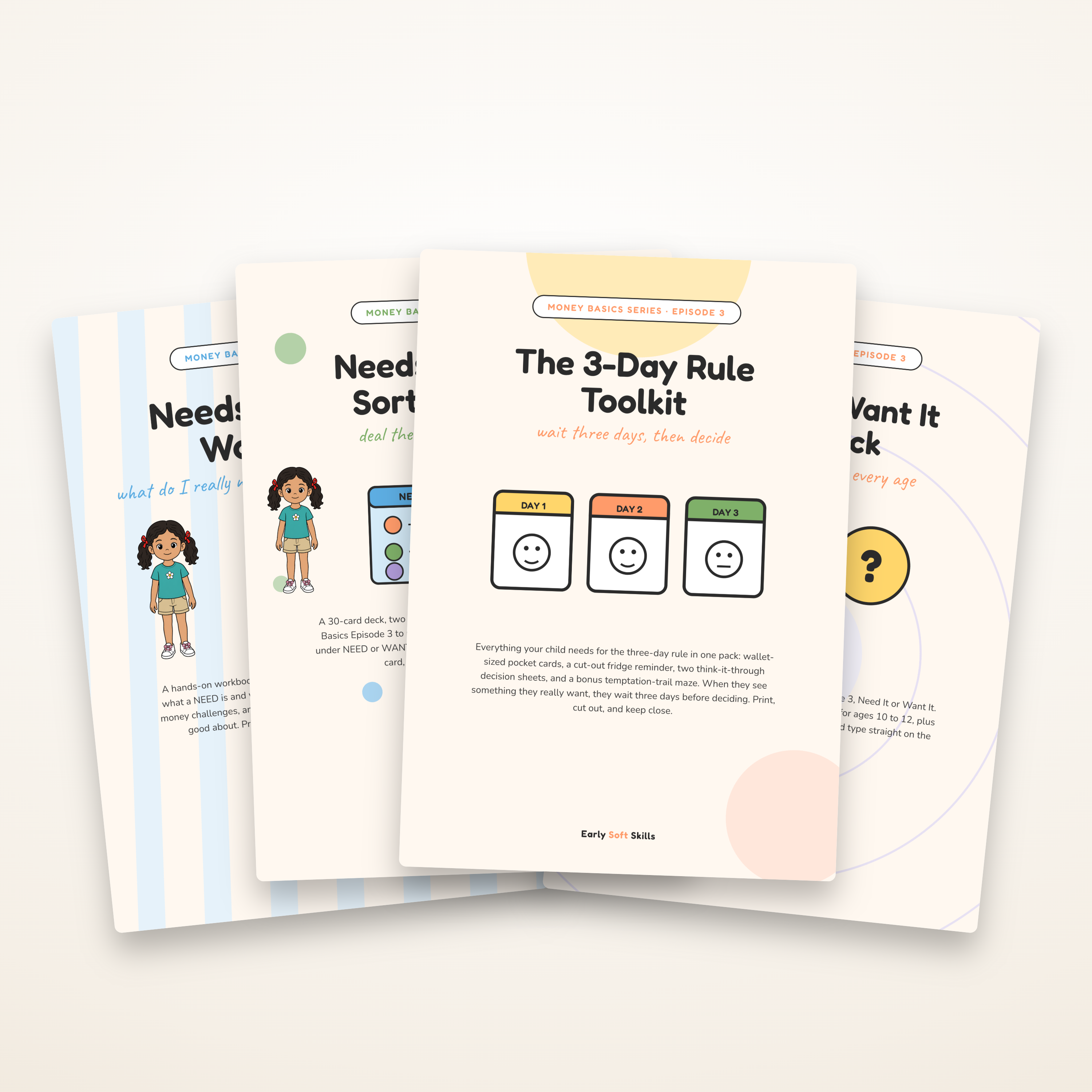
Telling needs from wants, even the tricky ones. A short story with Leo from Money Basics Episode 3, with games your child plays right inside the lesson.
- A narrated story that pauses at the right moments so your child can have a go
- Sort everyday things into needs and wants, by tapping or dragging
- An optional race round, with "it depends" clue cards for the tricky ones
- A quick quiz of real-life choices to finish: need or want?
- Read aloud throughout, so children still learning to read can play too
- Opens in your browser on a phone, tablet or computer; add it to your home screen to keep it handy
- Free when you join our email list
Reviews
Be the first to review this
Leave a review
Used this with your family? A few words helps other parents and teachers decide.
Leave a review
Used this with your family? A few words helps other parents and teachers decide.
You may also like
Complete the episode pack
More resources made for the same video, so the learning carries on after the credits roll.