← Back to Apps & Tools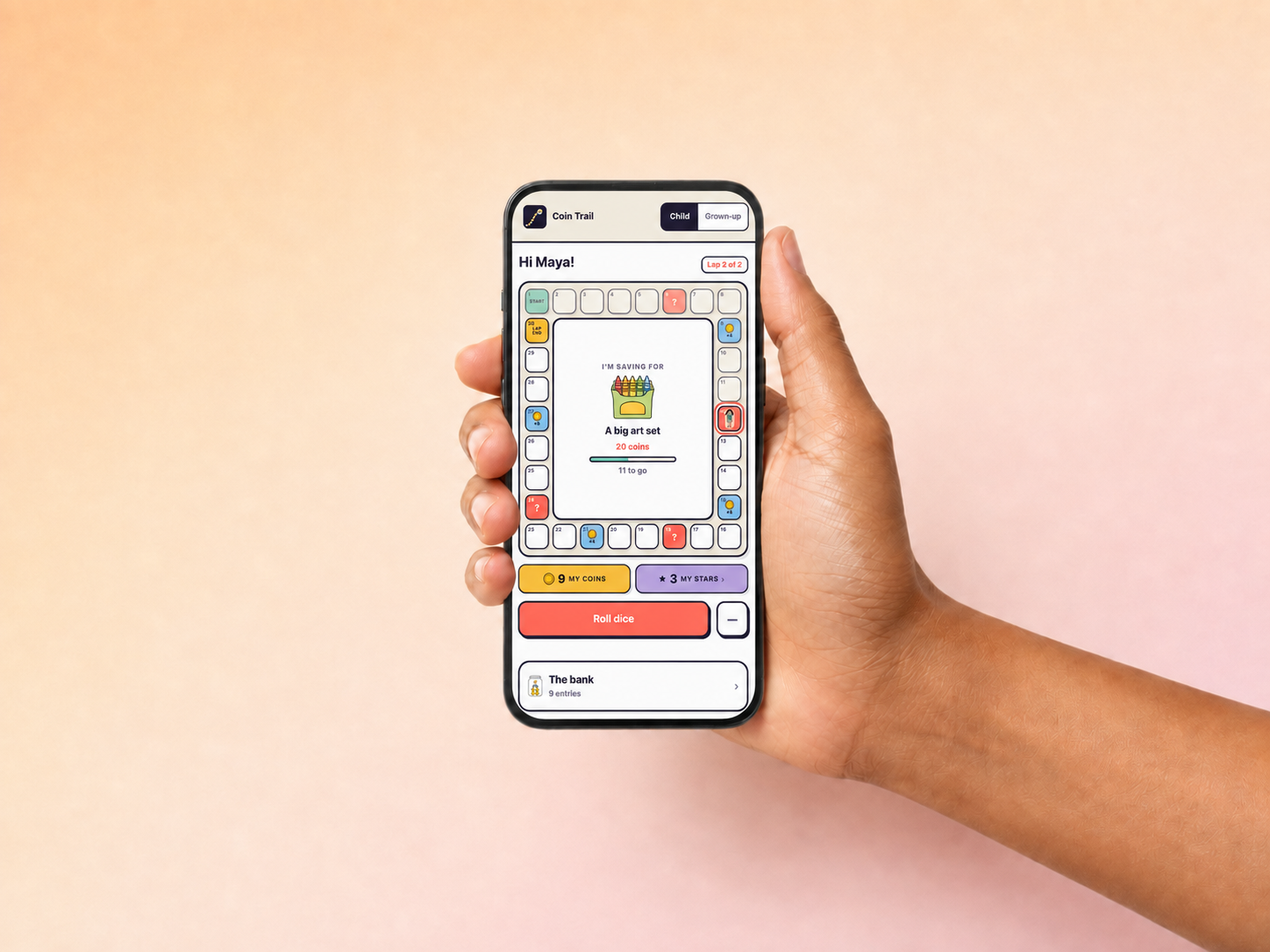 1 / 4
1 / 4
The lessons, made hands-on.
Coin Trail (app)
Money Basics: Episode 4
1 / 4How your app data is stored (please read)
- Coin Trail is a Progressive Web App. You will not find it in an app store; you install it by opening the link and choosing “Add to Home Screen” in your browser.
- It saves everything (your children’s names, characters, coins, stars, games and best scores) only on the one device and browser you set it up on. There is no account, no cloud, and no backup.
- Your saved information stays on the device even after you close the app or restart it, so nothing is lost. A different device or browser, or clearing your browser data or uninstalling, starts fresh, and we cannot recover it.
- Adding it to your home screen gives the most durable storage. If you only ever open it in the browser without adding it, some browsers (notably iPhone and iPad Safari) may clear its data after about a week of no use. Once it is on your home screen, that does not apply.
- This is a one-off purchase of a simple, self-contained tool, not a synced service.
By buying this product, you confirm that you understand and accept this.
Digital download (app)
£6.99
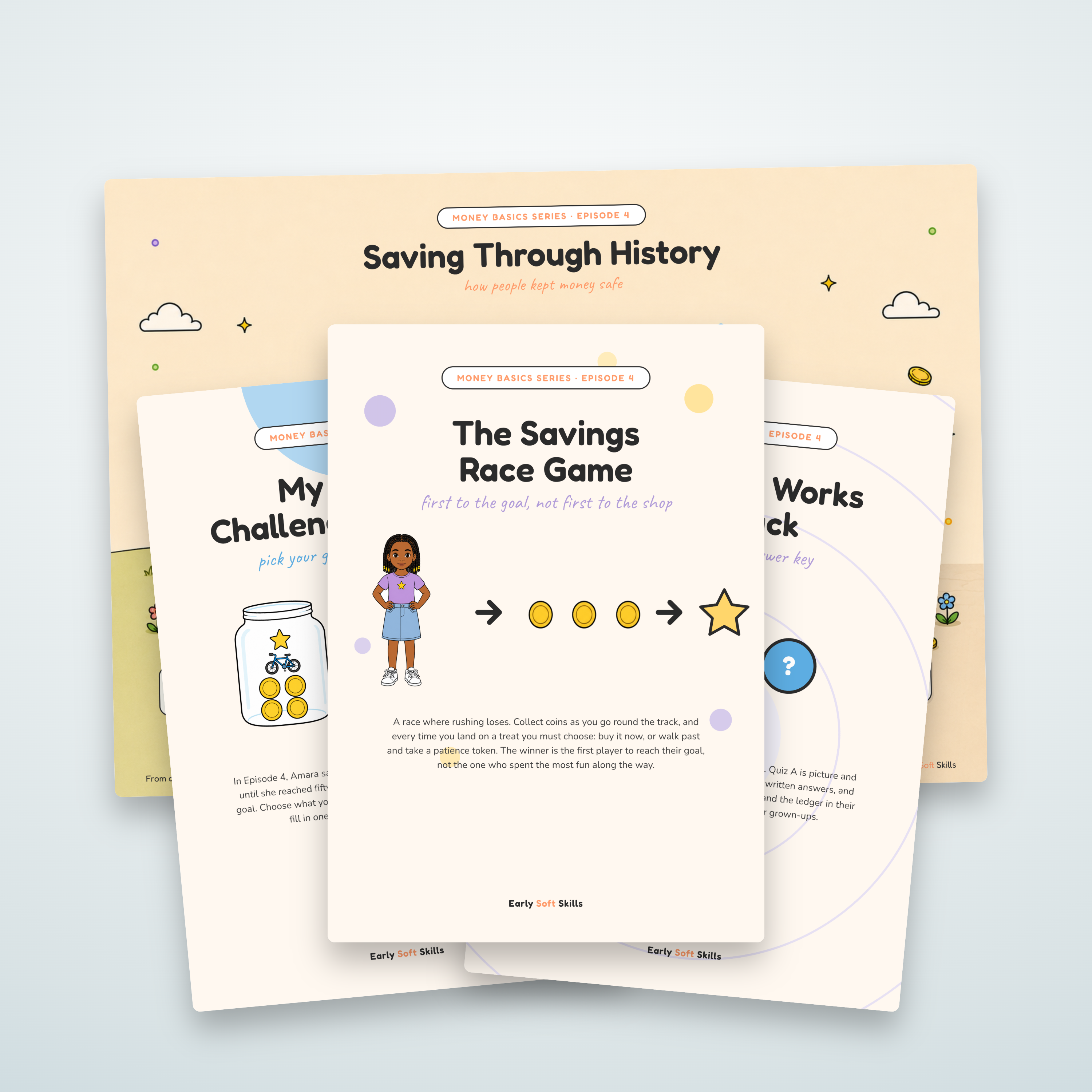
A saving game your child plays with a grown-up. They pick something to save for, travel a trail collecting coins, and every treat along the way is a real decision: buy it, or walk past and keep saving?
- Every treat is a genuine choice between something now and the goal sooner, and your child makes it four times a lap
- The game works out whether buying still leaves enough to reach the goal, then explains it in words your child can follow
- Nothing is left to luck: coins are collected by passing them, so every lap pays the same and the thinking is arithmetic, not a gamble on the dice
- Three age settings (5 to 7, 8 to 9, 10 to 12) change the prices, the length of a game, and how much the game explains as it goes
- Stars for the calls they got right: one for buying inside the budget or turning down something that would have broken it, two for working out by themselves that they cannot afford it
- Turning down a treat they could have afforded is never marked wrong, and treat money still unspent at the end earns extra stars, so saving up pays too
- The score counts only the decisions that had a right answer, and is awarded only if they reach the goal
- The Buy button is never locked: finding out that the coins are not there is the lesson
- Up to six children, each with their own game, coins, stars and best score, plus a family table that ranks them on your device
- Eight characters to play as, all from the Money Basics episodes
- A bank that records every coin in and every coin out, the way a real ledger does
- Comes with a full user guide (PDF) explaining every part of the app and exactly how it decides
- A Progressive Web App: installs to the home screen, works offline, no app store, no account, no data collected
- One-off purchase; works on phones and tablets
Coming soon. Check back shortly.
Reviews
Be the first to review this
Leave a review
Used this with your family? A few words helps other parents and teachers decide.
Leave a review
Used this with your family? A few words helps other parents and teachers decide.
You may also like
Complete the episode pack
More resources made for the same video, so the learning carries on after the credits roll.